
Basics
Start here to learn the panel, create core resources, and understand account limits.
Step-by-step guidance for every administrator and user-panel section.
Search a task, then follow the documented workflow.
Each article is based on the installed BigCloudy control-panel navigation.
Every guide is organised by the level of access and experience it needs.
Start here to learn the panel, create core resources, and understand account limits.
Run and maintain the everyday hosting tasks that keep websites and services working.
Protect access, web applications, and hosting data before moving into advanced administration.
Use specialised infrastructure, automation, and server-management capabilities with care.
Screenshots show the current panel layout; account values and enabled features vary.
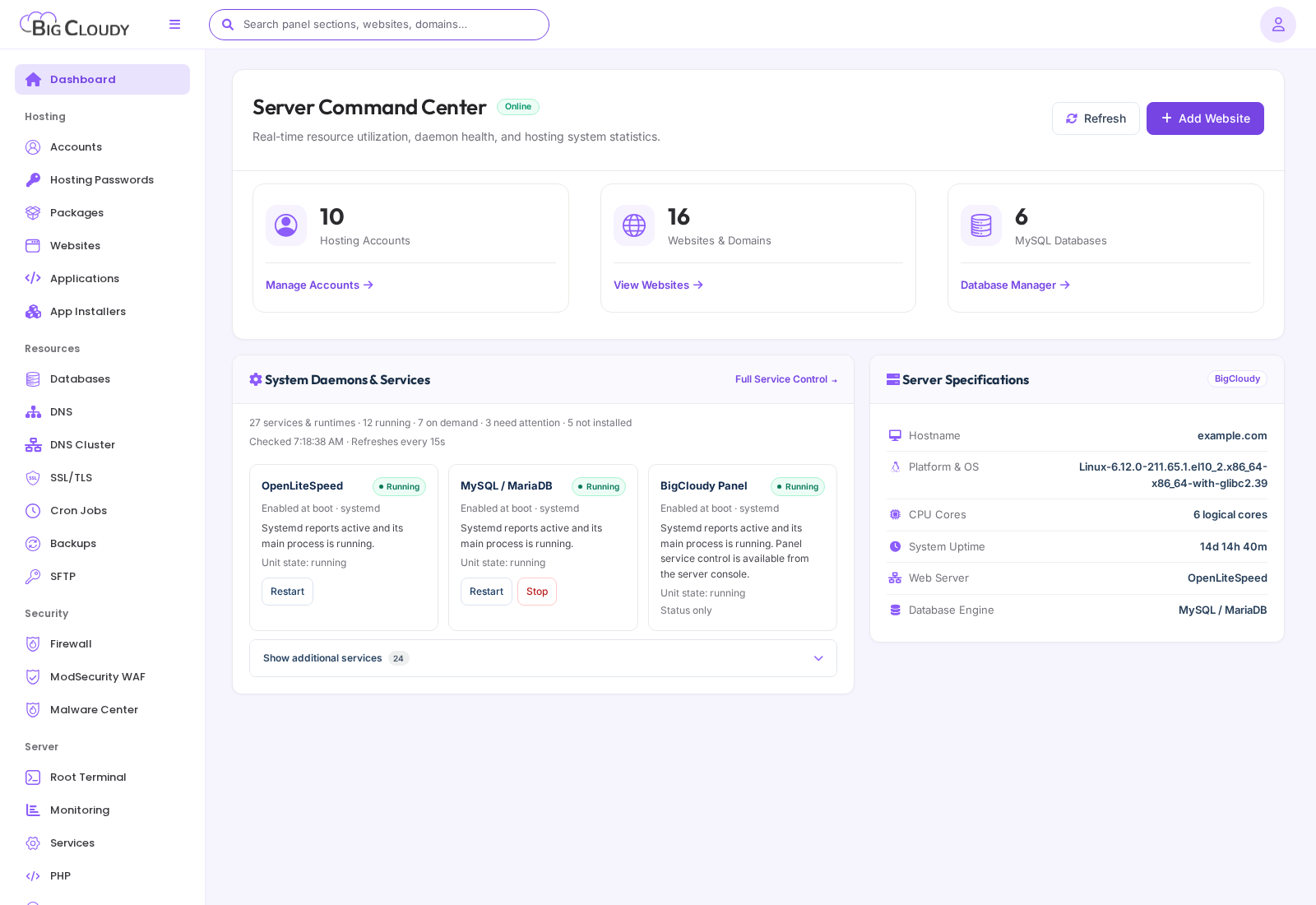
Administrator dashboard in the administrator panel. Account names, domains, and addresses are examples. Available controls depend on your package and server configuration.
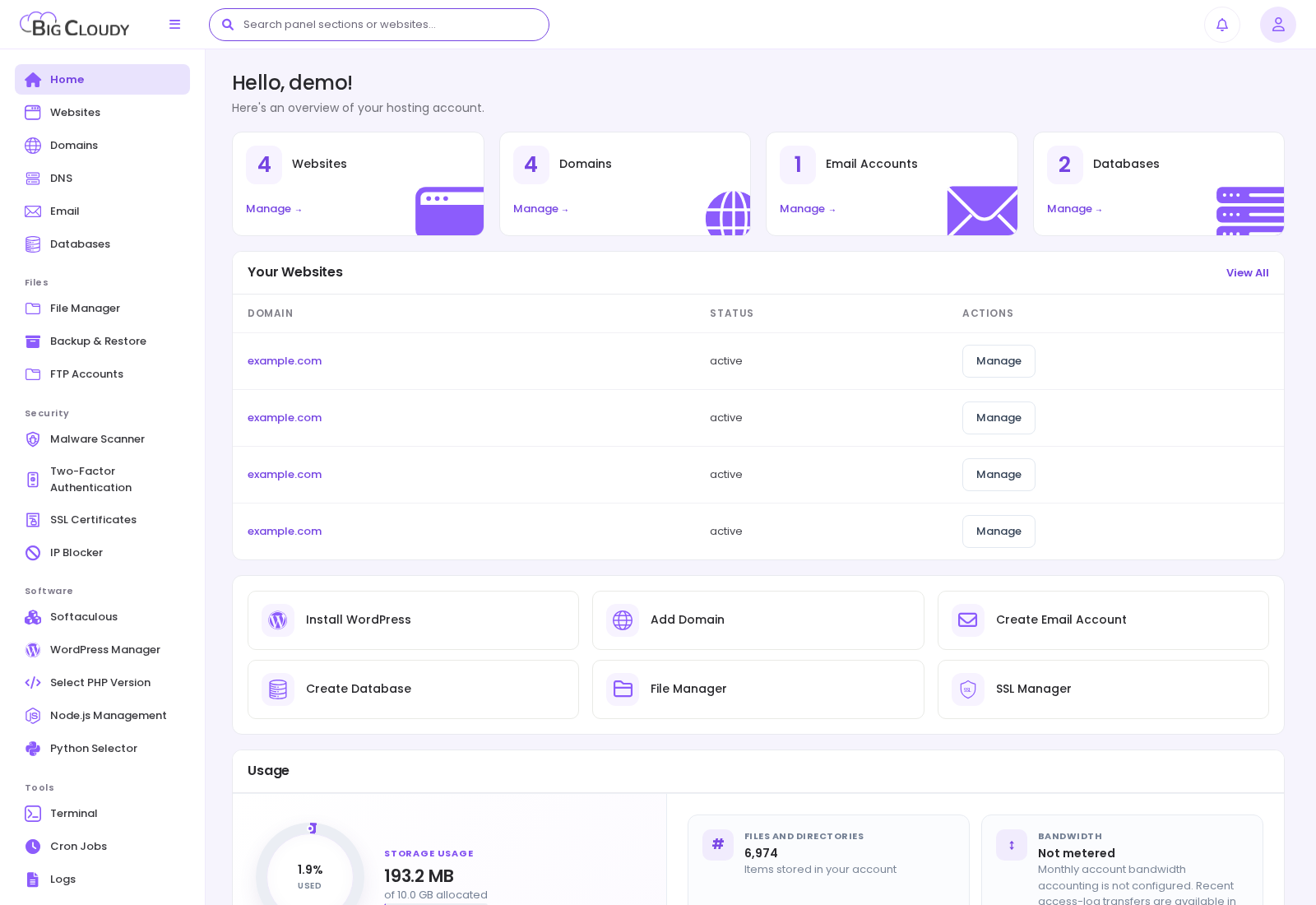
User dashboard in the user panel. Account names, domains, and addresses are examples. Available controls depend on your package and server configuration.
Administrators manage server-wide resources. Hosting users manage only the resources in their own account.